
Creating A New Asset Configuration
How to create a new asset configuration directly within ATLAS AIMS
-
Within the Asset Configurations screen, select ‘Add New Configuration’ just below the table.
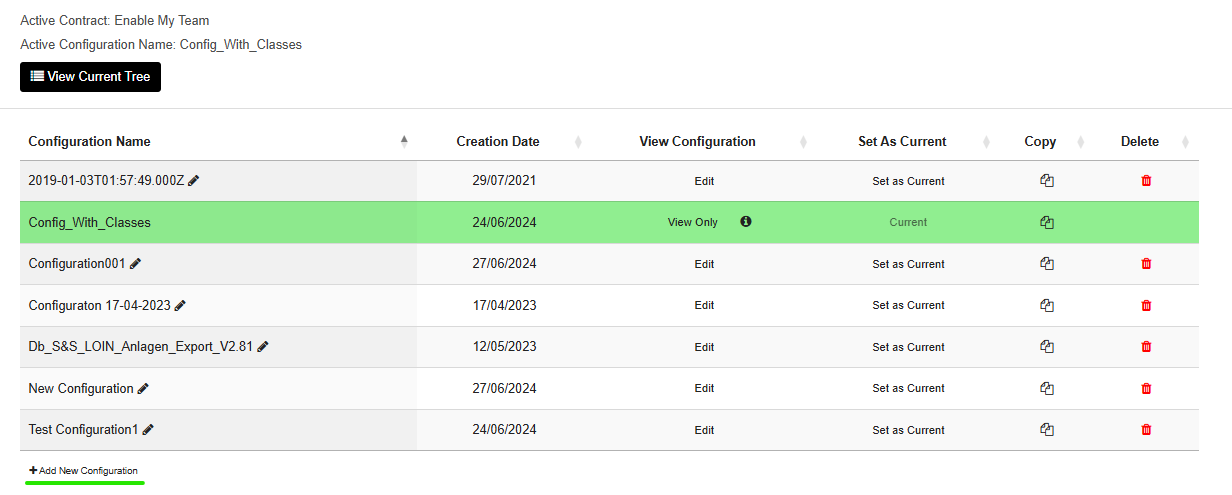
-
Enter a name for your configuration and save.
This will create the new configuration to which classes and attributes can be added.
Updated over 1 year ago
What’s Next
Did this page help you?